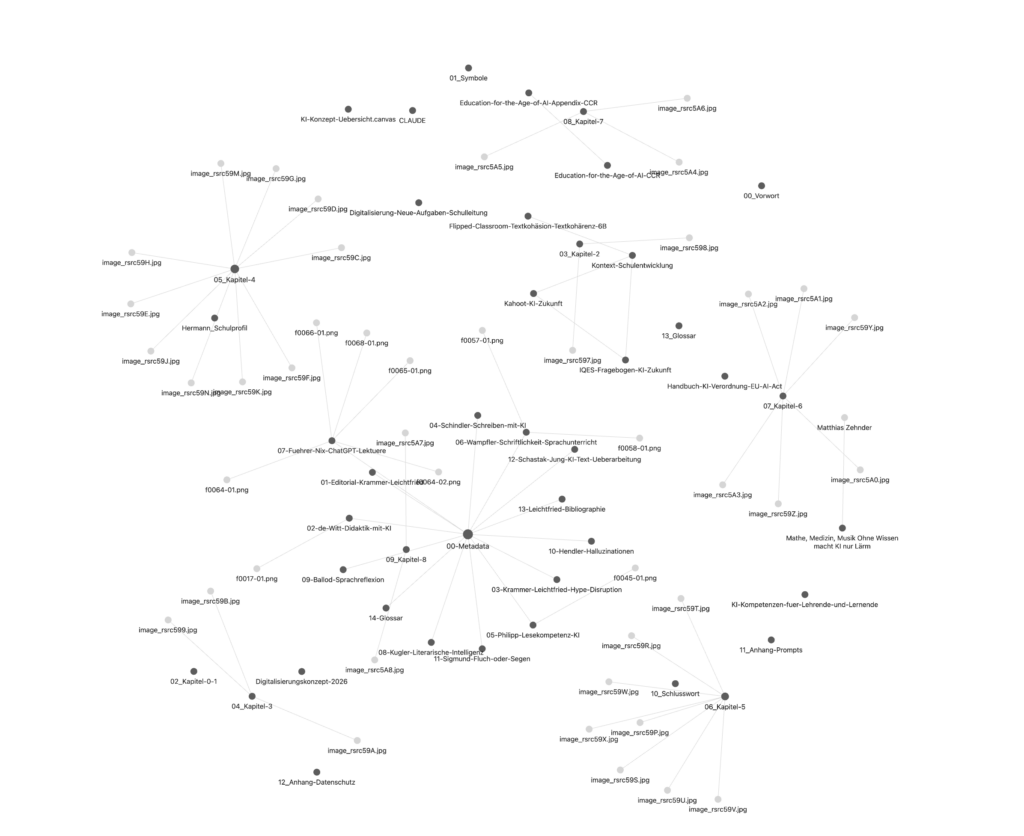
One of the most important components of a PKM system, for me, is the ability to connect things: what relates to what? You can visualize those relationships — once you’ve done the groundwork of actually linking the relevant documents together.
Yes. But that groundwork is tedious — especially at the beginning, both in terms of content and technical effort. A little help would go a long way.
Unsurprisingly, Claude Code can support all of this. As with any AI-assisted workflow, you should still understand what’s happening under the hood — but once you do, delegation becomes a genuine option.
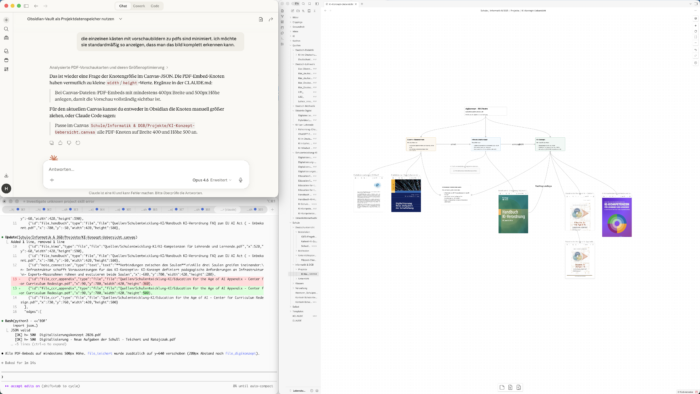
My current workflow is straightforward: I consult Claude (Opus 4.6 is particularly useful here — it’s precise) and talk through different approaches (first image, top left). In the terminal window (first image, bottom left), I work with Claude Code directly. In Obsidian (first image, right), I can see the current state of the vault at all times and follow along as changes happen. Because Claude has all the relevant Obsidian know-how baked in as skills — drawn from a public GitHub repo maintained by Obsidian’s lead developer — everything it produces is properly formatted and compatible. Even manual edits aren’t a problem: Claude Code only ever works with the current state of the files.
The result is that a canvas gets generated automatically — one you can then refine by hand. It feels almost too good to be true.